🔐 Why This Lesson Matters
Your device is a gateway to patient data. Whether you’re using a desktop, laptop, or smartphone—one careless click or unlocked screen can open the door to a breach. That’s why protecting devices and passwords is one of the easiest and most powerful ways to prevent cyber threats.
🖥️ Device Security Basics
Here’s how to protect the hardware you use every day:
-
Always lock your screen when stepping away (Ctrl + L or ⌘ + Control + Q)
-
Never leave laptops or tablets in cars, waiting rooms, or shared areas
-
Log out of patient portals or systems when you’re done
-
Avoid public Wi-Fi unless you’re using a secure VPN
Even if your system is secure, an unlocked screen is like leaving the front door wide open.
🔑 Password Best Practices
Weak or reused passwords are one of the top causes of cyberattacks in healthcare. Here’s how to keep yours strong:
-
Use at least 12 characters with a mix of letters, numbers, and symbols
-
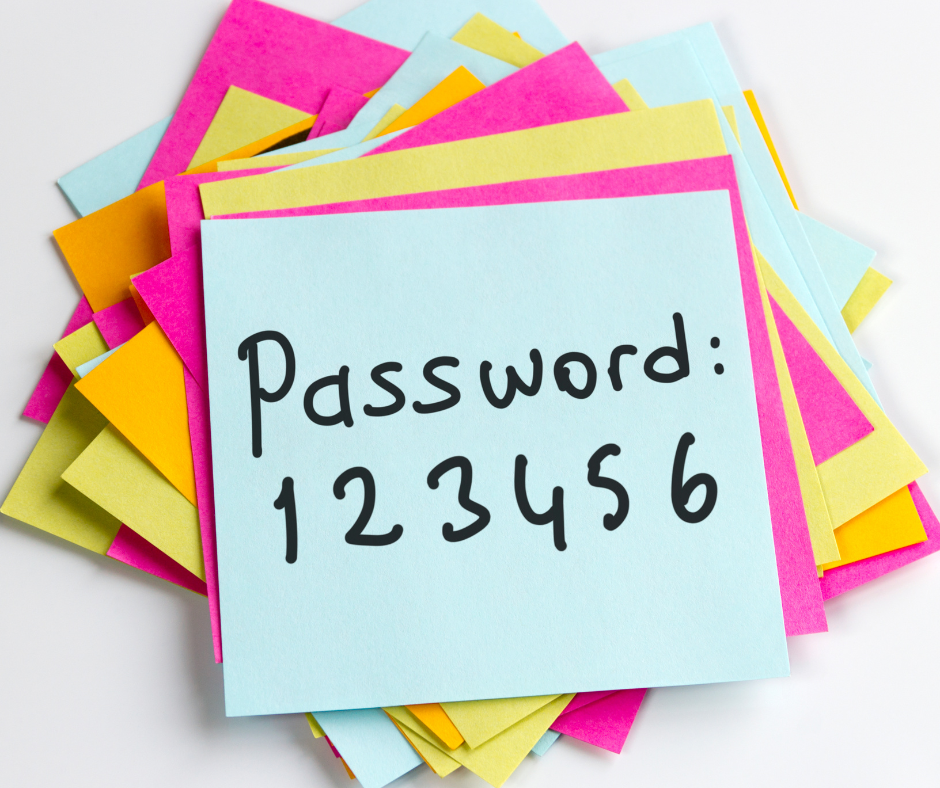
Never use patient names, birthdates, or “123456”
-
Don’t reuse passwords across work systems and personal accounts
-
Change your password immediately if you suspect it was shared or exposed
-
If available, enable multi-factor authentication (MFA)
💡 Pro Tip: Use a secure password manager to store and organize your logins.
🧪 Real-Life Scenario
An employee reused the same password for her personal email and EHR login. When her email was hacked, attackers used that same login to access the clinic’s records. Over 1,000 patient files were compromised, and the clinic had to notify every family involved.
✅ Quick Checklist
-
Lock my screen when I leave
-
Use strong, unique passwords
-
Never write passwords on sticky notes
-
Log out of systems after use
-
Report any lost or stolen device immediately
🔁 Final Thought
It takes 5 seconds to lock your screen—and that simple habit could save your practice thousands. Cybersecurity isn’t complicated. It’s about building daily habits that make you and your team safer.